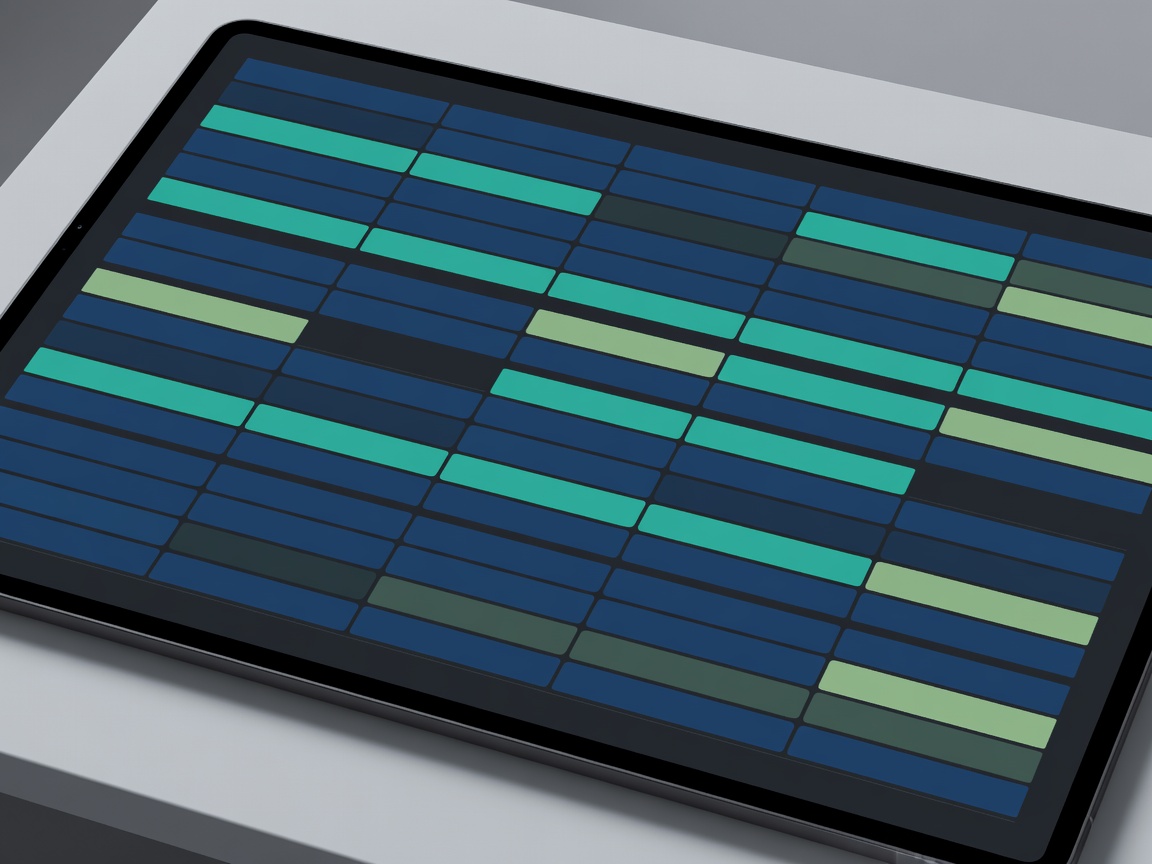
The Evolution of Calendar Management
For decades, digital calendars operated as passive ledgers. You input an event, and the calendar displayed it. Today, AI-generated personal assistants have transformed the calendar into an active, intelligent agent capable of negotiating, prioritizing, and protecting your time without constant manual oversight.
Scheduling automation uses natural language processing (NLP) and predictive algorithms to understand the context of meetings, estimate travel times, and recognize your peak productivity hours.
How AI Scheduling Works
Modern AI scheduling tools typically operate by integrating directly with standard calendar protocols (like Google Calendar or Microsoft Outlook). Once connected, they analyze historical data to build a profile of your working habits.
- Automated Negotiation: Instead of sending multiple emails to find a suitable time, an AI assistant can email participants directly, cross-reference their availability, and settle on an optimal slot.
- Focus Time Protection: Algorithms detect fragmented gaps between meetings (e.g., 30-minute blocks) and actively group meetings together to create continuous blocks of deep-work time.
- Dynamic Rescheduling: If a high-priority event arises, the AI can automatically shuffle lower-priority internal meetings to accommodate it, notifying all affected parties.
Pros and Cons
Adopting an AI schedule manager involves a trade-off between absolute control and significant time savings.
The Advantages
The primary benefit is the dramatic reduction in administrative overhead. Professionals frequently spend hours each week merely coordinating availability. By offloading this task, cognitive load is reduced. Additionally, AI systems are ruthless about protecting focus time—something human workers often struggle to prioritize over immediate meeting requests.
The Drawbacks
Machine learning models require a learning curve. Initially, an AI might schedule a meeting during a time you unofficially reserve for lunch, or misunderstand the nuance of a "highly urgent" request from a VIP client versus a standard internal check-in. Furthermore, giving a third-party application extensive read/write access to your calendar raises valid privacy and data security concerns, particularly in enterprise environments.
Key Features to Look For
When evaluating AI scheduling assistants in the current market, look for tools that offer:
- Multi-calendar syncing: The ability to read personal and professional calendars simultaneously to prevent double-booking without exposing private event details to colleagues.
- Granular meeting buffers: Automatic allocation of 10-15 minutes between Zoom calls to prevent meeting fatigue.
- Customizable rule sets: The option to designate certain individuals (like a manager or key client) whose meeting requests bypass standard availability rules.
Ultimately, automating your schedule with AI is about reclaiming agency over your day, moving from a reactive stance to a proactive, intentionally designed working life.